|
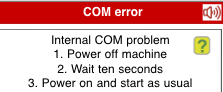
COM ERROR
The COM error message appears when communication between the machine's processors does not work as it should.
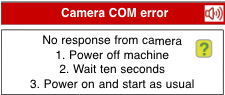
Camera COM error
In this case the camera has not been initiated as it should.
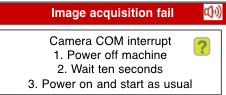
Image acquisition fail
The video stream from the camera is broken or frozen.
FREQUENT COM PROBLEMS
You have reason to suspect that there are short power interrupts if the COM messages show up frequently. Check that the power cable is properly connected.
RESTORING MEMORY
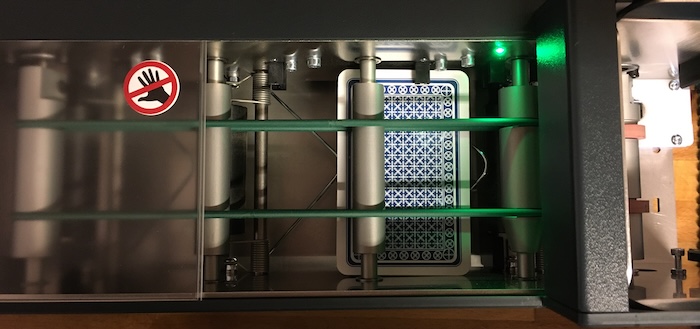
You can restore the machine's memory by blocking the third card counter (as shown below). See the document Blinking forever for details when restoring can be necessary.
Note that restoring takes long and that you need to wait for the machine to complete a restart. First the card that blocks the card counter will be moved to North's slot. Then, after a long while, the machine will rotate its bands anew and also flip the gates. The power lamp will emit steady green light when the process is completed.
|